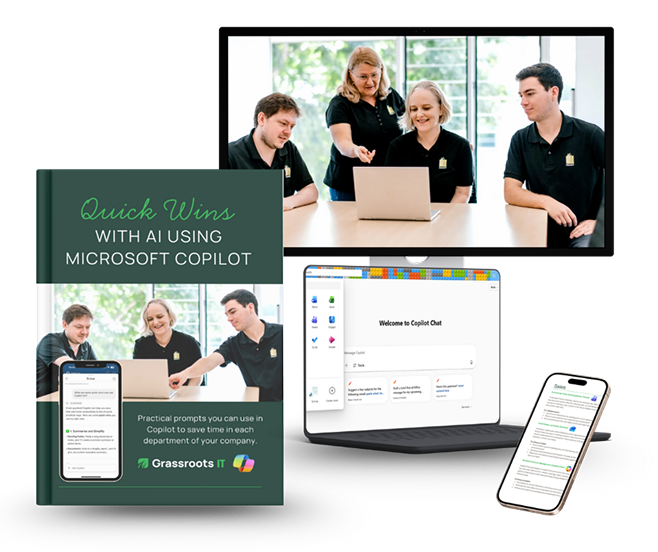
54 Practical Copilot
Prompts Your Team
Can Use Today
A free guide to quick wins with Microsoft Copilot — one for every
department in your business.
Your team is already paying for Microsoft Copilot. This guide helps you get value
from it faster. We've pulled together 54 ready-to-use prompts across Sales,
Finance, Customer Service, HR, Operations, and Marketing — practical starting
points that save time from day one, no training required.
54 ready-to-use prompts
6 departments covered
No training required
Download the free guide
54 prompts. Six departments. Delivered to your inbox.
We'll send the guide straight to your inbox. No spam. Unsubscribe any time.
Who is this guide for?
This guide is for Brisbane and Southeast Queensland SMEs who have Microsoft 365 Copilot licences and want to start getting practical value from them — without a lengthy training program or a complicated rollout.
It's also useful if you're evaluating Copilot for your team and want to see the kinds of tasks it can genuinely help with before you commit. The prompts are written in plain language and work across industries. You don't need to be technical to use them.
What's inside the guide
The Quick Wins with Copilot guide gives you 54 prompts you can try right now, organised by
department. Each one is a conversation starter — copy it, paste it into Copilot, and refine from
there. Most will save you time the first time you use them.
Sales
Summarise meeting notes, draft follow-ups, and research account history.
From the team that helps
Brisbane SMEs get more from
Microsoft
Grassroots IT has been helping Brisbane businesses get the most from their
Microsoft 365 environments for over 20 years. We're a Microsoft specialist and
Triple ISO certified managed IT services provider — and we work with SMEs
across Southeast Queensland every day to make sure their technology is actually
working for them, not the other way around.
This guide draws on what we see working for our clients. The prompts aren't
theoretical — they're the kinds of tasks businesses like yours are using Copilot for
right now.
20+
Years helping Brisbane SMEs
Triple ISO
Certified managed IT provider
Microsoft
Specialist partner
How to get the most from the prompts
1
Start with one department that's relevant to your role and try a prompt today
2
If the first result isn't quite right, tell Copilot how to improve it — it gets better with feedback
3
Save prompts that work well and share them with your team
4
The guide works best when your Microsoft 365 data is well-organised — if you're not sure
where you stand, we can help with that too
Free download
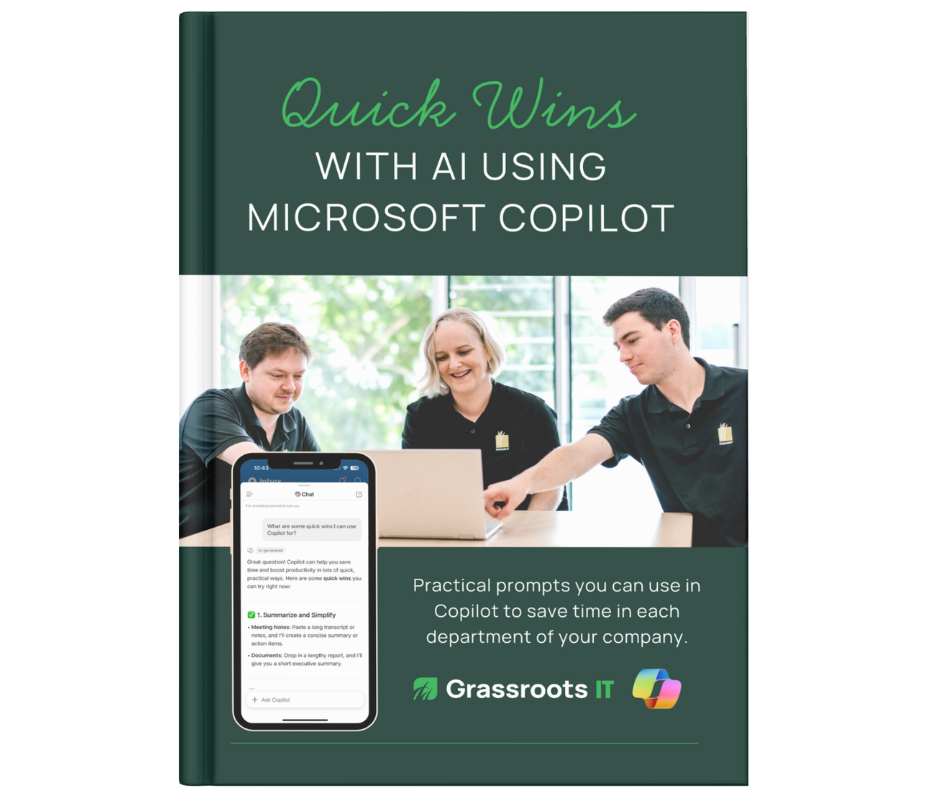
54 Copilot prompts your team
can use today
Not sure where to start with Copilot? We've put together a practical
guide with 54 ready-to-use prompts across every department in your
business — Sales, Finance, Customer Service, HR, Operations, and
Marketing. Copy a prompt, paste it into Copilot, and save time from
day one.
Not sure if your environment is ready
for Copilot?
Getting value from Copilot depends on having the right
foundations in place — your data, permissions, and Microsoft
365 configuration all play a role. If you'd like an honest picture
of where your business stands, a Copilot Readiness
Assessment is a practical starting point.